
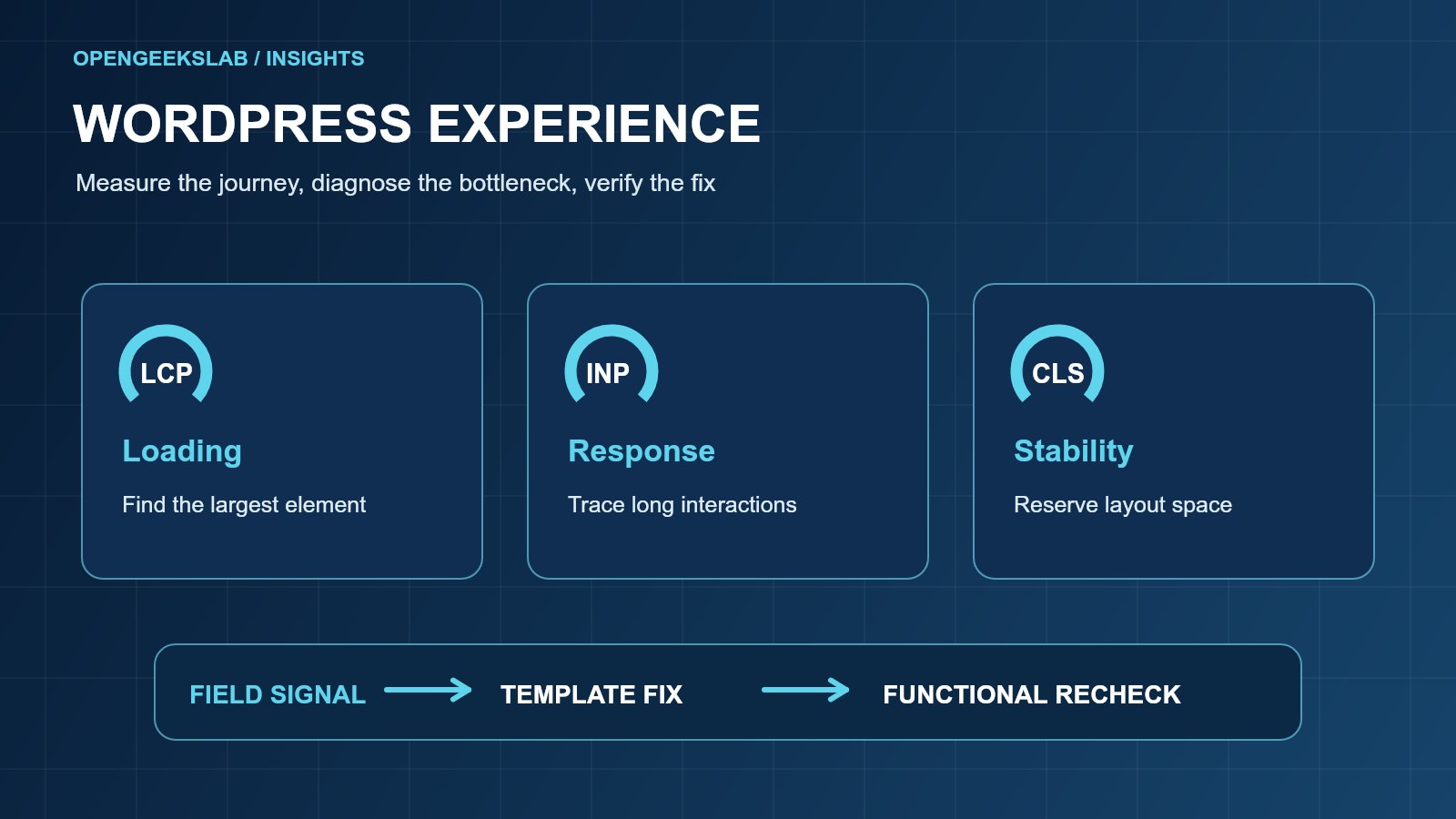
Direct answer: Core Web Vitals give a WordPress product team a focused way to assess loading, responsiveness and visual stability. Start with real-user data where available, inspect the specific page templates that matter to customers, and fix the causes before tuning a score.
OpenGeeksLab can help through web development. Read our related practical guide for a connected view of the delivery process.
Start with the business journeys
List the pages that affect enquiries and trust: the homepage, service pages, case studies, articles and contact page. Measure each template separately. A fast homepage cannot compensate for a slow service page that carries the conversion path. Record mobile and desktop results and the page state tested.
Read the right measures
The current Core Web Vitals cover Largest Contentful Paint, Interaction to Next Paint and Cumulative Layout Shift. Google explains their definitions and thresholds in its Web Vitals guidance. Use field data to understand actual visitors when enough exists; use laboratory tests to diagnose a particular interaction or asset.
Find the slow component
Inspect the element responsible for the largest contentful paint, then trace its image size, server response, render-blocking styles and scripts. For interaction delay, examine long JavaScript tasks and third-party code. For layout movement, reserve space for images, embeds and fonts. Fix one causal bottleneck at a time and rerun the same scenario.
Apply WordPress-specific checks
WordPress performance depends on the theme, plugins, cache, database and hosting configuration. The WordPress performance guide describes the platform-level optimization areas. Audit plugins by their runtime cost and value rather than disabling them indiscriminately. Test cache behavior for both anonymous and authenticated views, particularly forms and personalized elements.
Plan a safe release
Keep a before-and-after record for each template, device and metric. Verify navigation, contact submission, consent behavior and search metadata after a change. Roll out the smallest change that removes the measured bottleneck, then watch field data as it accumulates. A page-speed change is complete only when the customer journey still works.
Prioritize fixes with a template matrix
Create a row for each important template and a column for mobile LCP, INP, CLS, conversion role, likely cause and owner. For example, if a service page has a large hero image and a contact form, check the hero request and the form interaction separately. Rank a fix higher when it affects several templates or an important enquiry path. This makes performance work a delivery decision rather than a list of disconnected scores.
Separate cache speed from functional correctness
A cache can make anonymous pages load quickly while serving stale form tokens or out-of-date content. Test the first visit, a repeat visit and a fresh browser session. Keep contact and consent actions functional after cache purges. Check whether an optimization plugin delays scripts that the form or navigation requires. Preserve the working version of each page before changing theme assets or cache rules.
Define an acceptance test
Record the measured URL, device, connection profile, date and page state before work begins. After a change, repeat the same diagnostic test, then complete the business action on a phone and desktop. Confirm that the visible content, SEO metadata and canonical URL are still correct. Where field data is available, watch its trend after release; a single lab run is not the final outcome.
Frequently asked questions
Should we optimize every page at once?
Group pages by template and business importance. Fix shared theme and asset problems first, then check page-specific outliers.
Can a lab score prove visitors have a good experience?
No. A lab run helps diagnose a page under controlled conditions; field data represents observed visits when enough data is available.
Next step
If a WordPress service page is slow or a contact journey breaks after optimization, bring the URL and a representative user task to our web development team. We can isolate the bottleneck and define a safe fix.