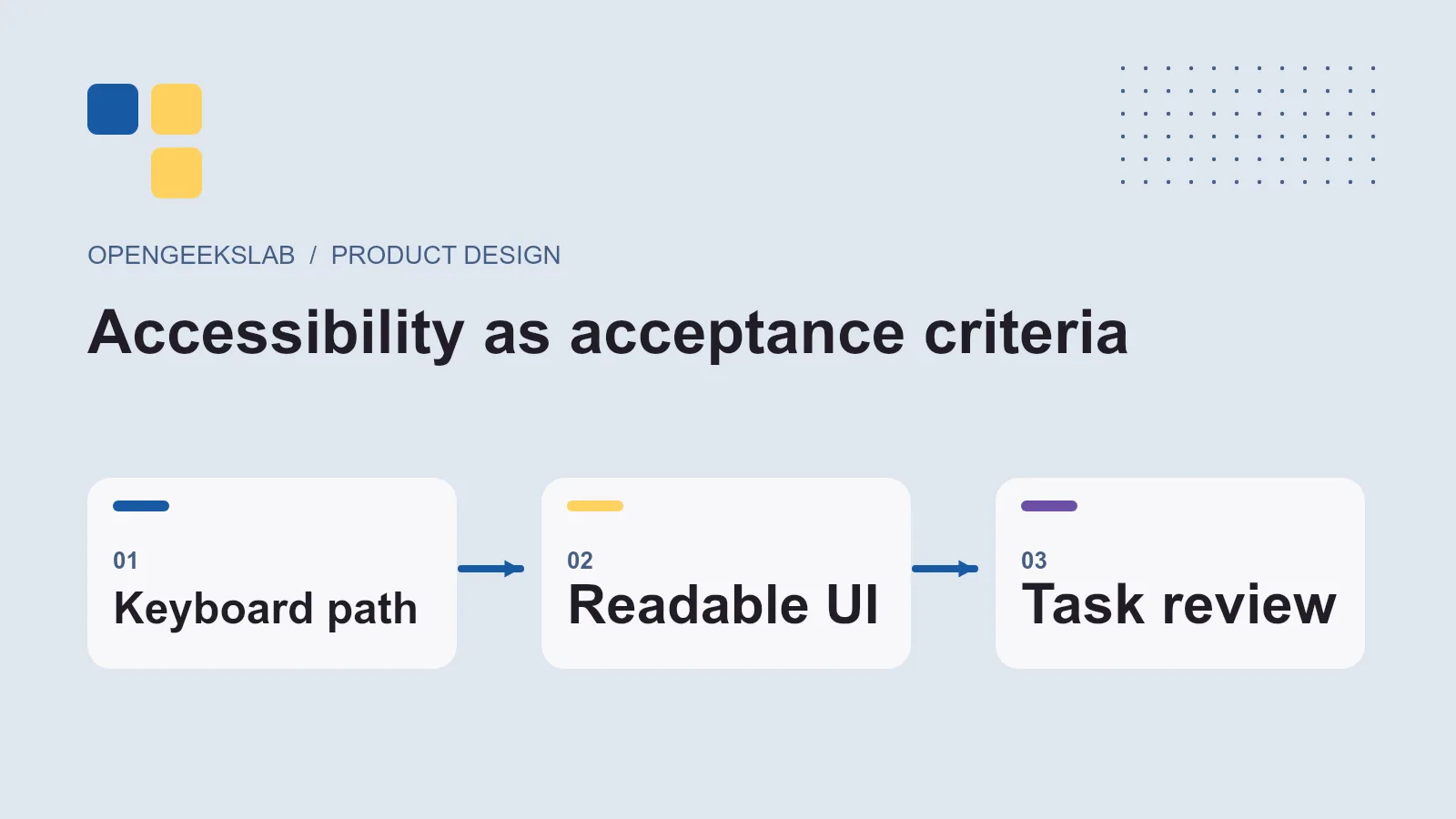
Direct answer: Accessibility acceptance criteria describe what a person must be able to do with a product, how the interface supports that task, and how the team will test it. For a B2B application, start with the workflows people use every day: sign-in, search, data entry, approvals, reports and error recovery.
Accessibility is easiest to manage when it is part of the product definition rather than a final checklist. A team can use the W3C Web Content Accessibility Guidelines 2.2 as a technical reference, then express each relevant requirement in the language of its own screens and users.
Write criteria around a real task
Take a purchase approval form. A useful criterion is: a keyboard user can open the record, review its fields, correct an error, submit a decision and receive a clear confirmation without losing focus. That statement can be tested in the running product. A vague instruction such as “make the form accessible” cannot.
Define what happens when the user makes a mistake. Required fields need clear labels, errors must identify the affected field, and the person should be able to return to it. Do not rely on color alone to distinguish status. If a session expires during a long task, the recovery path should be understandable.
Cover the components B2B teams often miss
Data tables need meaningful headers and a reading order that works when zoomed. Modal dialogs need a visible focus state and a predictable way to close them. Charts need a text alternative that conveys the decision-relevant information, not a description of decorative colors. Navigation must remain usable at smaller widths and with text enlarged.
For mobile workflows, check touch targets, orientation, text spacing and on-screen keyboard behavior. The W3C’s guidance on applying WCAG 2.2 to mobile applications explains how web criteria translate to mobile contexts. Test the actual devices and assistive technologies used by the audience rather than assuming a desktop browser check covers them.
Make the test repeatable
Add a small set of task-based checks to each release. A developer can verify keyboard access and semantics while building. A designer can check focus order, labels and responsive layout. A tester can complete the task with a screen reader and record where information is missing or confusing. Automated tools help find some defects, but they cannot determine whether a workflow makes sense to a person.
Keep the acceptance evidence beside the product backlog item: the scenario, expected behavior, test environment, result and owner for any unresolved issue. This makes accessibility a release decision rather than a vague future improvement.
Decision checklist
- Which user task and screen are in scope?
- Can the task be completed by keyboard and at mobile width?
- Are labels, status, errors and confirmation perceivable?
- Do tables, charts and dialogs retain their meaning?
- Who reviews the result with assistive technology?
Our design-system alignment guide explains how design decisions reach production code. OpenGeeksLab’s UI/UX design service can help translate accessibility requirements into components and acceptance tests.
Frequently asked questions
Is an automated accessibility score enough?
No. Automated checks catch some code-level issues, while task testing reveals whether people can understand and complete the workflow.
Should every feature use the same checklist?
Use shared component standards, then add task-specific criteria. A reporting dashboard, approval form and mobile field workflow have different interaction risks.